

.avif)

September 12, 2025
Why We Ask for Your COGs (Cost of Goods Sold)
To help us deliver the best results on Amazon, we sometimes ask for the COGs of your products. Here’s why it matters
Getting Started


Review eligibility requirements: Brands must have a registered and active text or image-based trademark. Review country-specific requirements here.
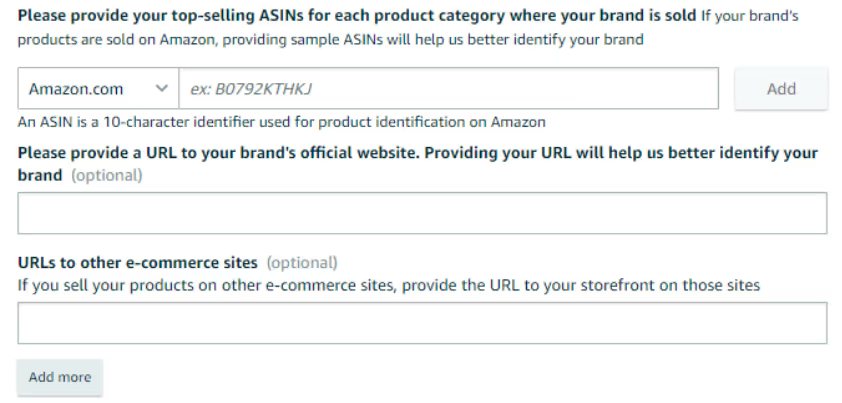
Gather all the information you’ll need to complete the registration process:
Go to https://brandservices.amazon.co.uk/.
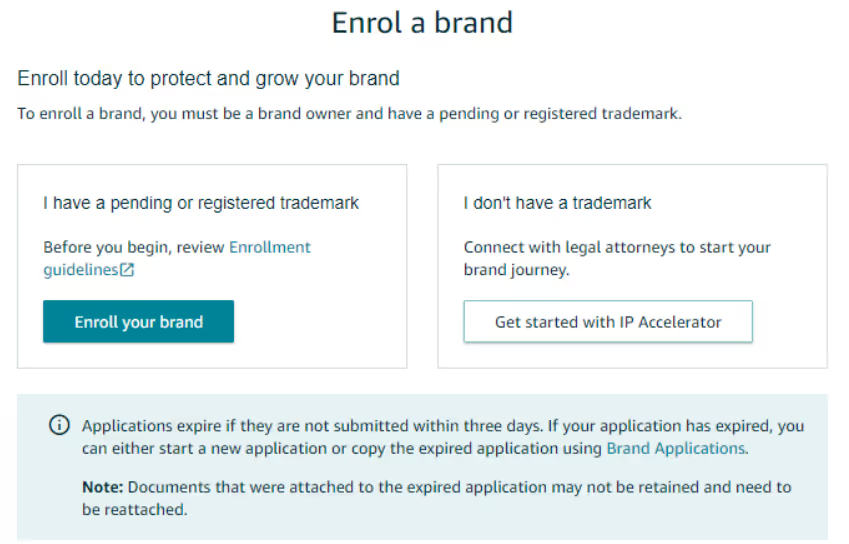
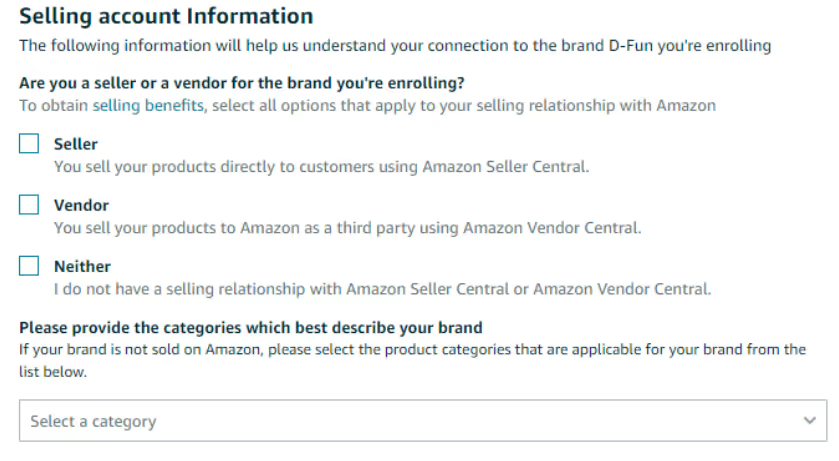
Log in using your Amazon Seller admin account. Select "Enrol a new brand".
You will have two options either "Enrol your brand" if you have already applied for a Trademark or "Get started with IP Accelerator" if you haven't got a trademark for your brand.
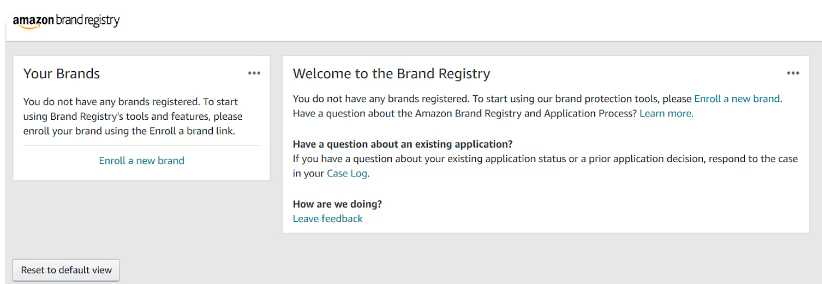
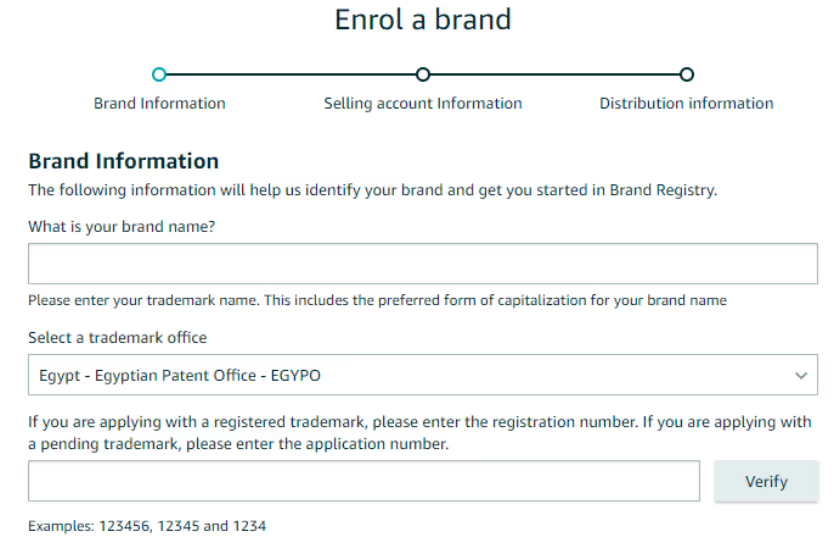
Input your brand name. Make sure it matches EXACTLY what is on your registered trademark
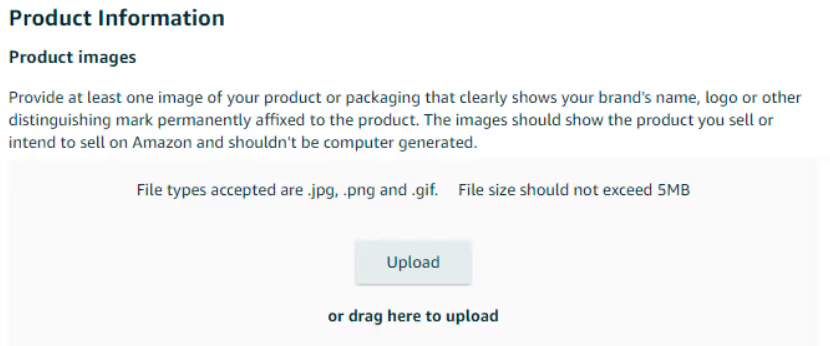
Provide real-life photos of your products showing the brand name, logo and all sides of the packaging. These can be taken by your phone and should not be edited.

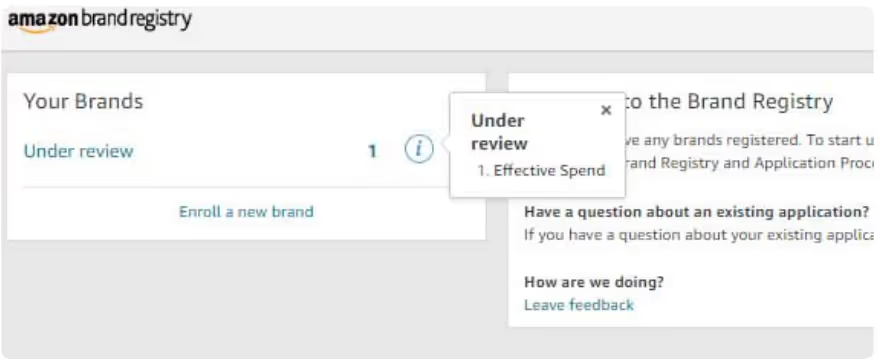
After your application is processed, Amazon will send over an email informing you that they have sent a confirmation code to the email address associated with the registered trademark (usually the registrant or law firm which filed your trademark).
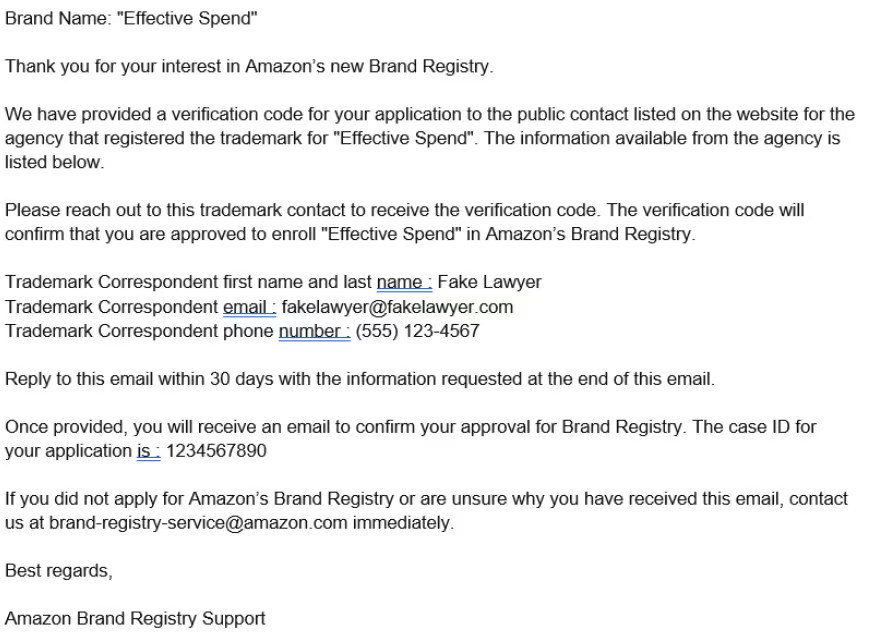
Once you send this verification code, Amazon will send you an email confirming that your brand registration has been approved and completed (2-3 days average turnaround time).


